- 431
- 406
- 376
- 336
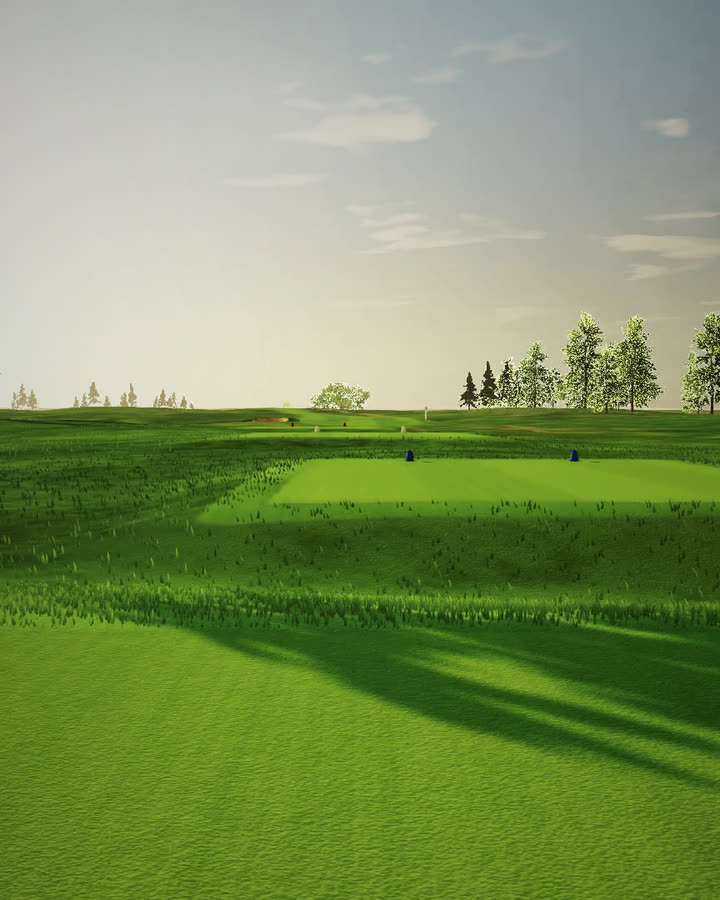
Fairway Studio
Lay out a golf hole on open ground, shape every green and bunker, then watch the flyover at golden hour. It runs in your browser, free.
Open Fairway StudioFairway Studio is free and opens in a browser tab. You don't install anything or sign up, and your courses are saved on your own computer.
Every hole starts with three clicks.
Click where the tee goes, then a landing area, then the green. Fairway Studio builds the whole hole between them, with four sets of tees.
From there you push it around. Drag a bunker into the landing area, stretch the fairway, raise the ground behind a green, plant a row of pines. Par, the yardage from every tee and the slope of each green update while you work.
- 191
- 176
- 161
- 136
- 603
- 573
- 538
- 489
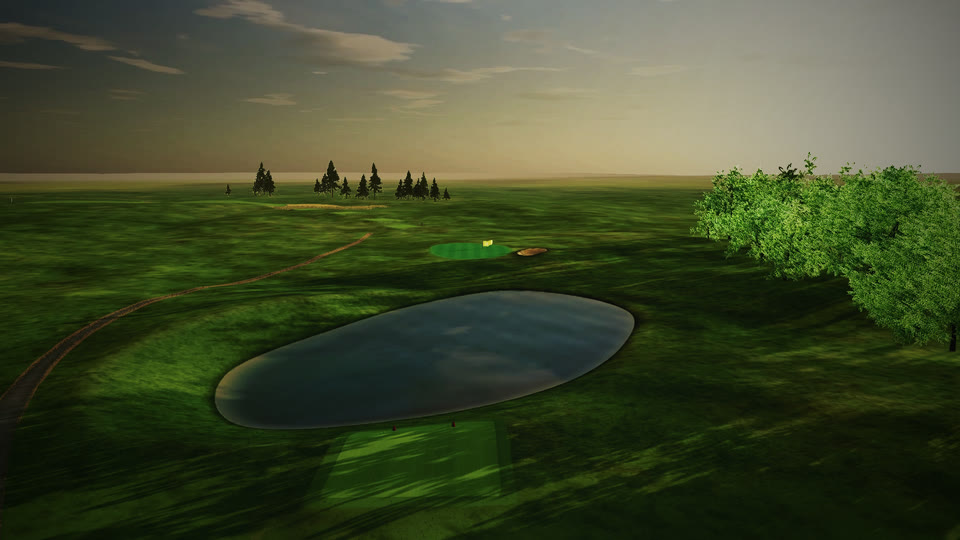
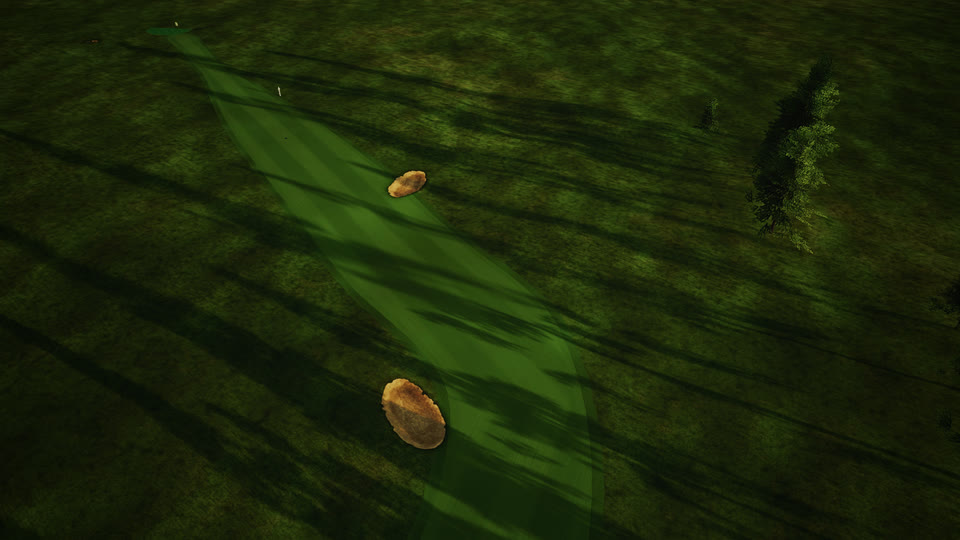
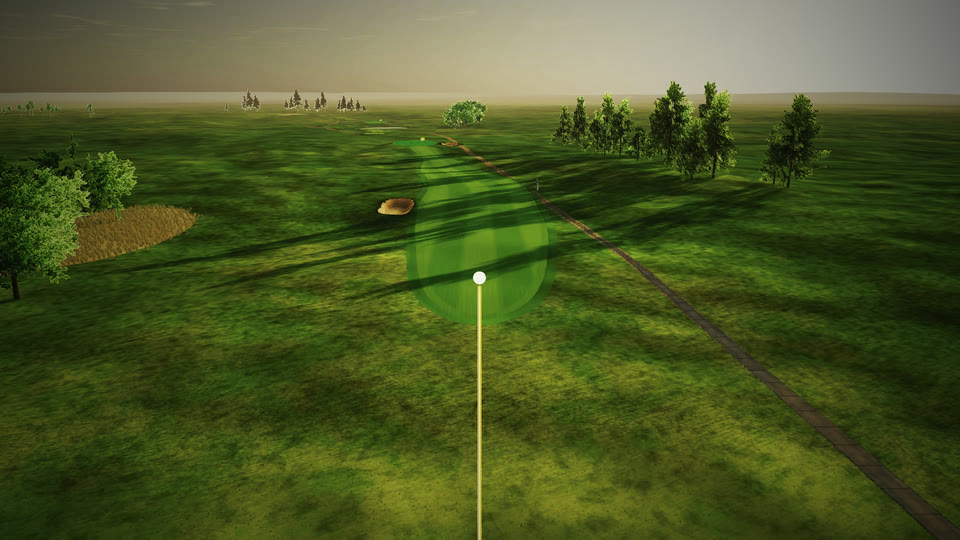
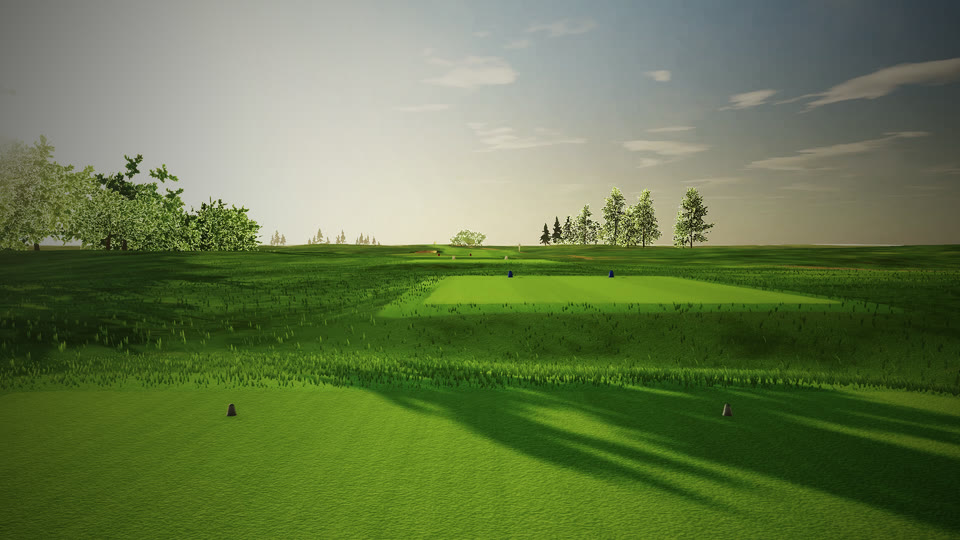
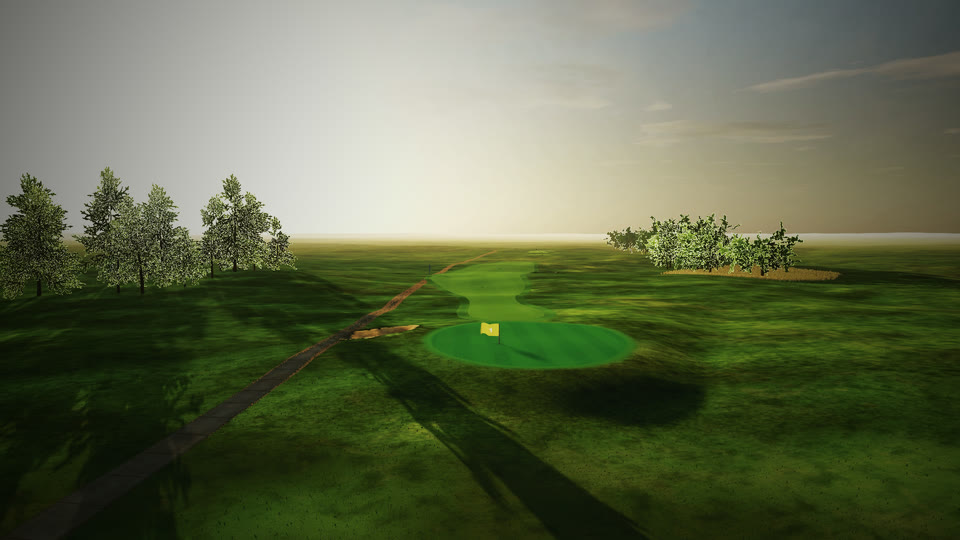
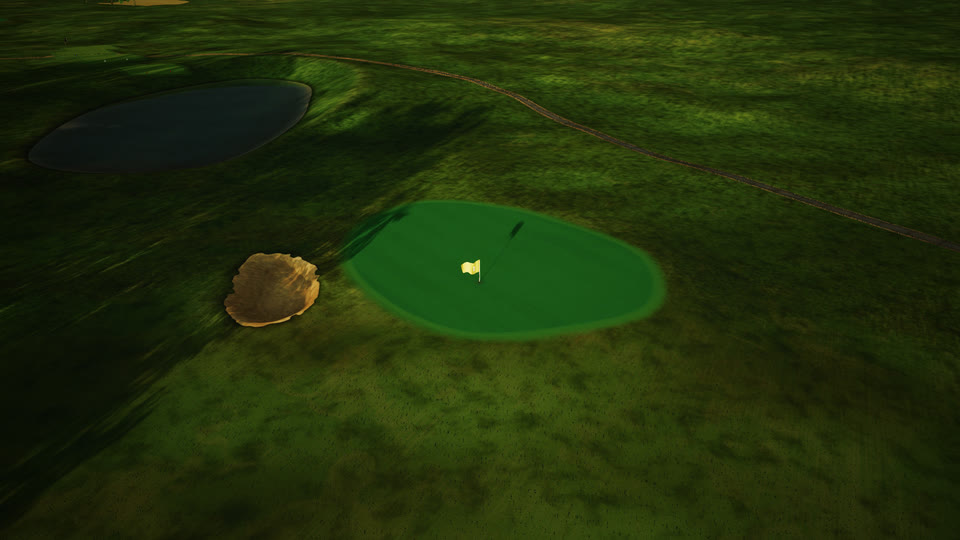
The three holes in the film above, drawn from the course file Fairway Studio saves.

Then you get to watch it.
Seven cameras know how to film a golf hole: the broadcast path from tee to green, a drone, a low chase behind the ball, the golfer's view from the tee, the view from behind the green, an orbit, and a free camera you fly with the keyboard.
Move the sun anywhere from 5 in the morning to 9 at night. When a shot looks right, save the flyover as a video or the routing plan as an image.
Open Fairway StudioBest with a mouse on a laptop or desktop.